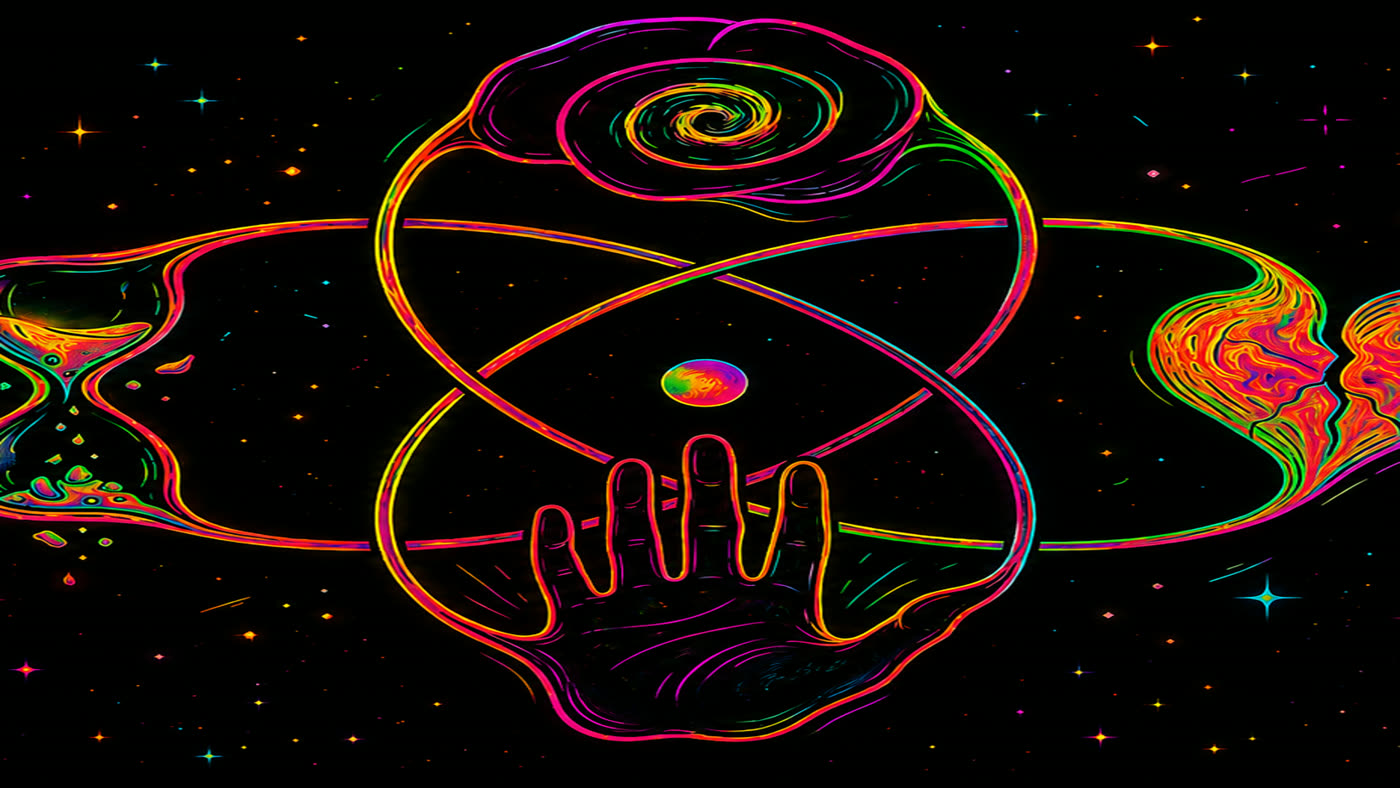
NYVO

Turn a track into a finished video.

Nyvo listens to your track, transcribes the words, and lays them onto a timeline already in time with the music. You correct what it got wrong, pick a look, and export. All of it runs on your own computer — your audio is never sent anywhere.

Download for Windows Download for Mac

Both coming soon — email us to hear when they ship.

Windows and Mac

Windows

Windows 10 and 11, 64-bit. Installs like any other program, with a Start Menu entry and a proper uninstaller.

Mac

macOS 13 Ventura or later, on a Mac with Apple silicon (M1 or newer). Intel Macs aren't supported. Ships as a .dmg you drag into Applications.

Nyvo is the same editor on both, and your subscription covers up to three computers of either kind.

What it does

Automatic lyrics

Point Nyvo at your song and it writes out the words with timings for each line. Transcription runs on your own machine, so the audio never leaves your computer.

Built for fixing them

No transcription is perfect on sung vocals. Edit any line, merge or split them, retime by dragging, and change a misheard phrase across every chorus at once.

Live preview

See the finished frame as you work, in time with the audio. What you watch in the preview is what gets encoded — no surprises after a long export.

Two export formats

MP4 with H.264 for maximum compatibility, or WebM with VP9 and Opus if you would rather keep everything royalty-free.

Your files stay yours

No account to edit. No uploads, no cloud processing, no telemetry. Nyvo runs on your computer and keeps your work there.

A real timeline

Multiple tracks, trimming, crossfades, snapping, and frame-accurate timing — for people who want to place a line exactly, not approximately.

What it looks like

A finished video and the editor that made it, from a real project rather than a staged one.
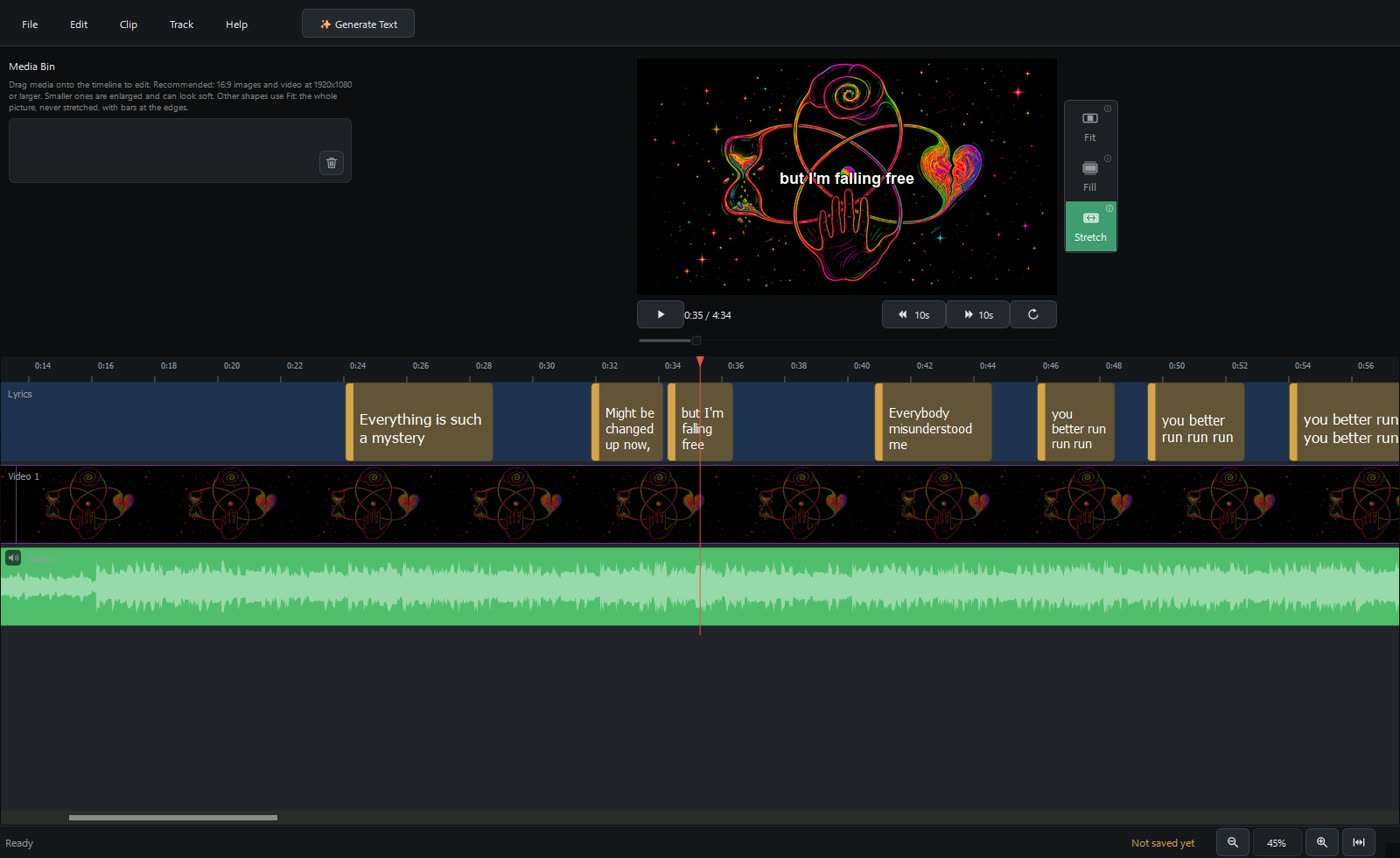
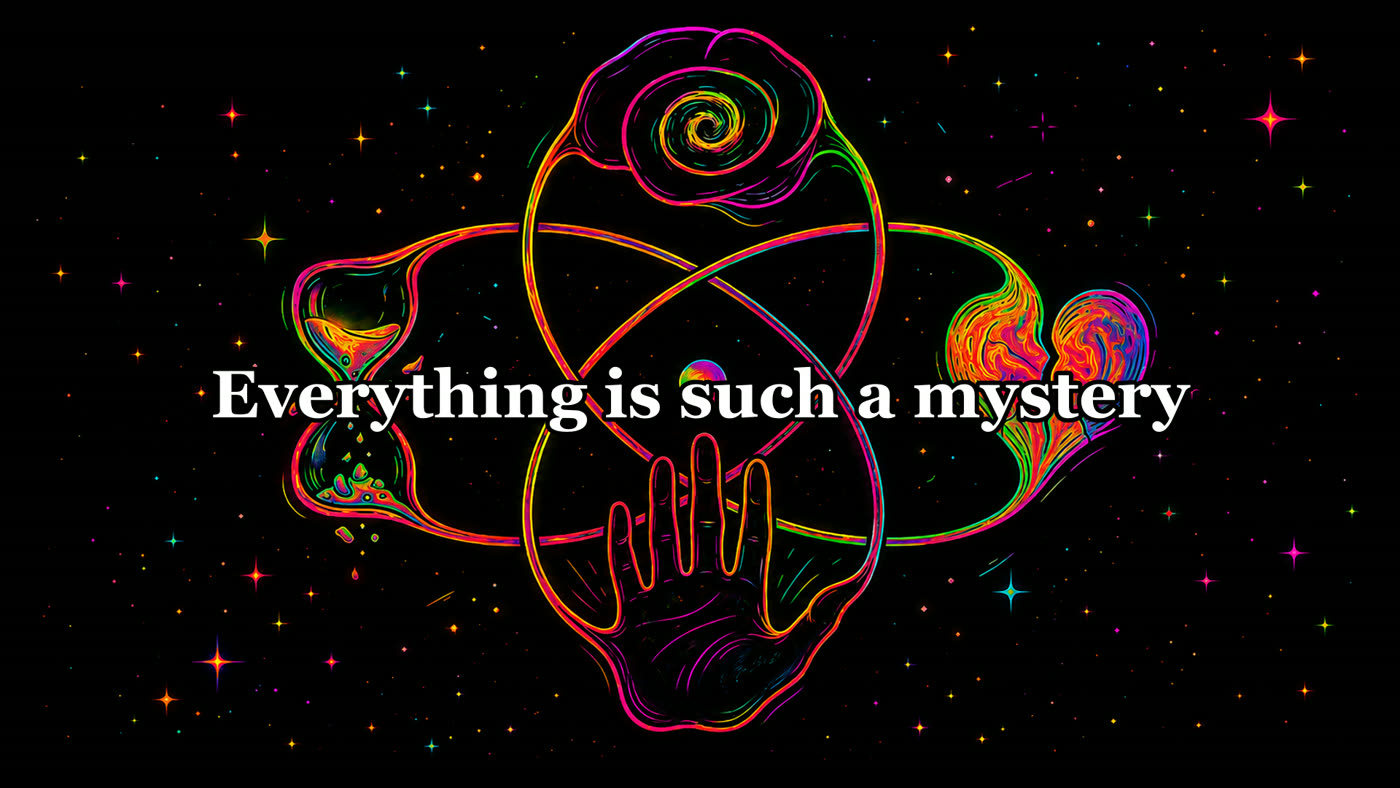
The Nyvo editor with a four-minute song loaded: lyric clips
              reading "Everything is such a mystery" and
              "Everybody misunderstood me" across the timeline, album
              artwork on the video track, the audio waveform below, and the
              current line drawn over the artwork in the preview.
Lines where they land. Each lyric sits against the waveform at the moment it’s sung, artwork on the track between them, and the line under the playhead already drawn into the preview frame.
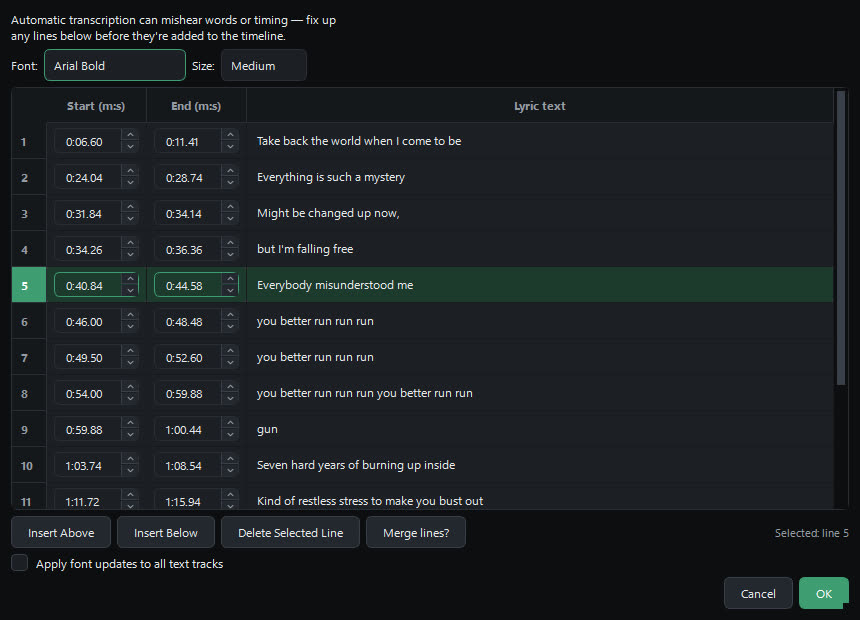
The lyric editor listing transcribed lines with start and end
                times, one row selected.
Fix what it misheard. Every line is editable with its own start and end time. Insert, delete, merge, or retype a phrase — sung vocals are not always transcribed perfectly, so this is where most of the work happens.
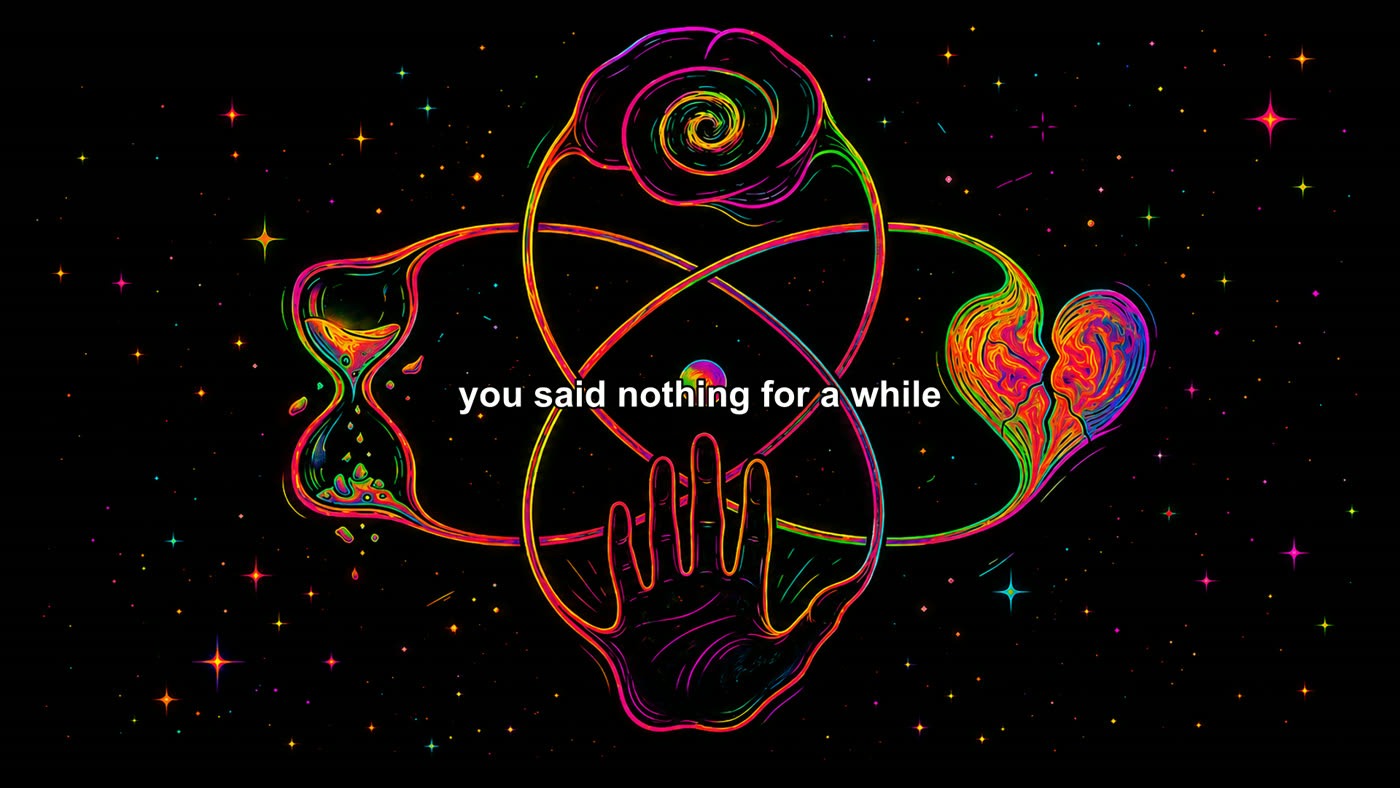
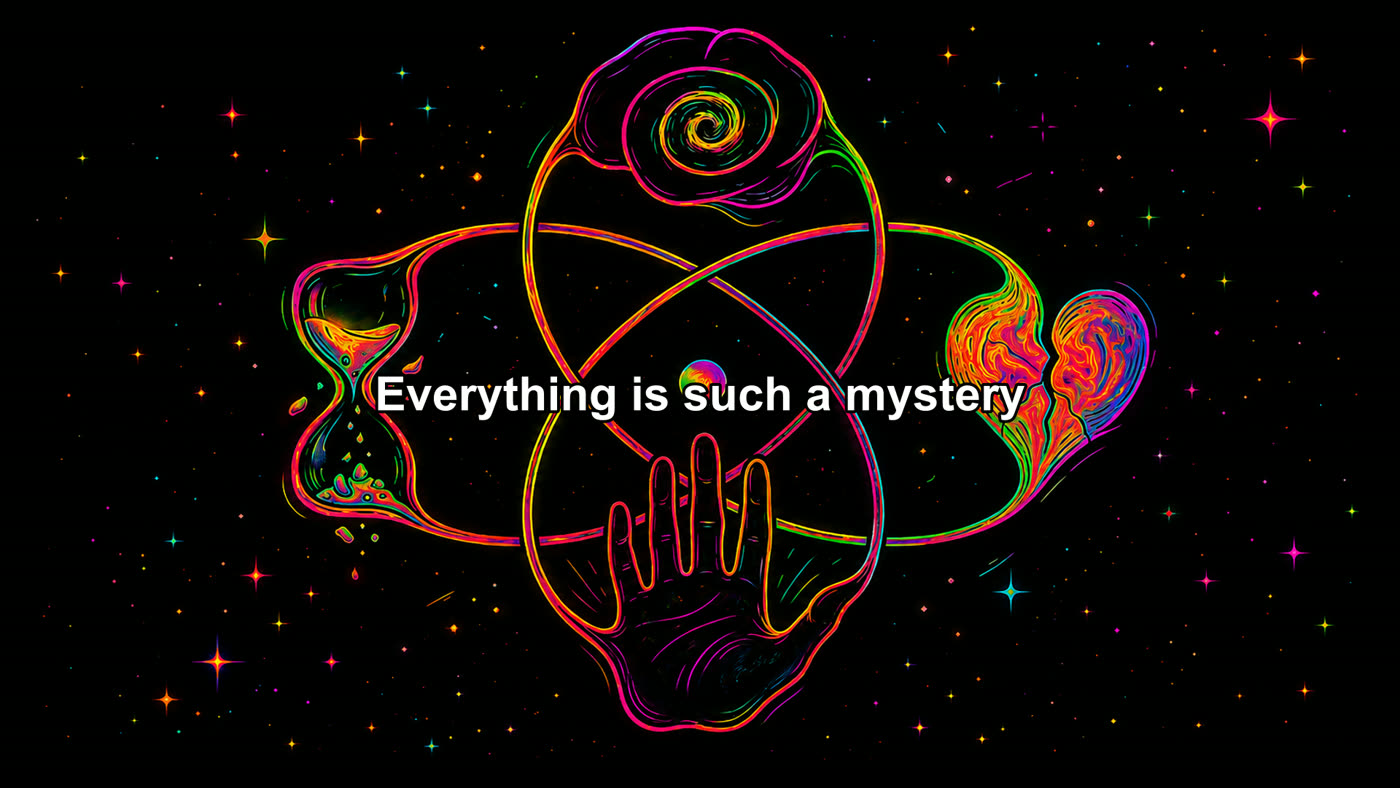
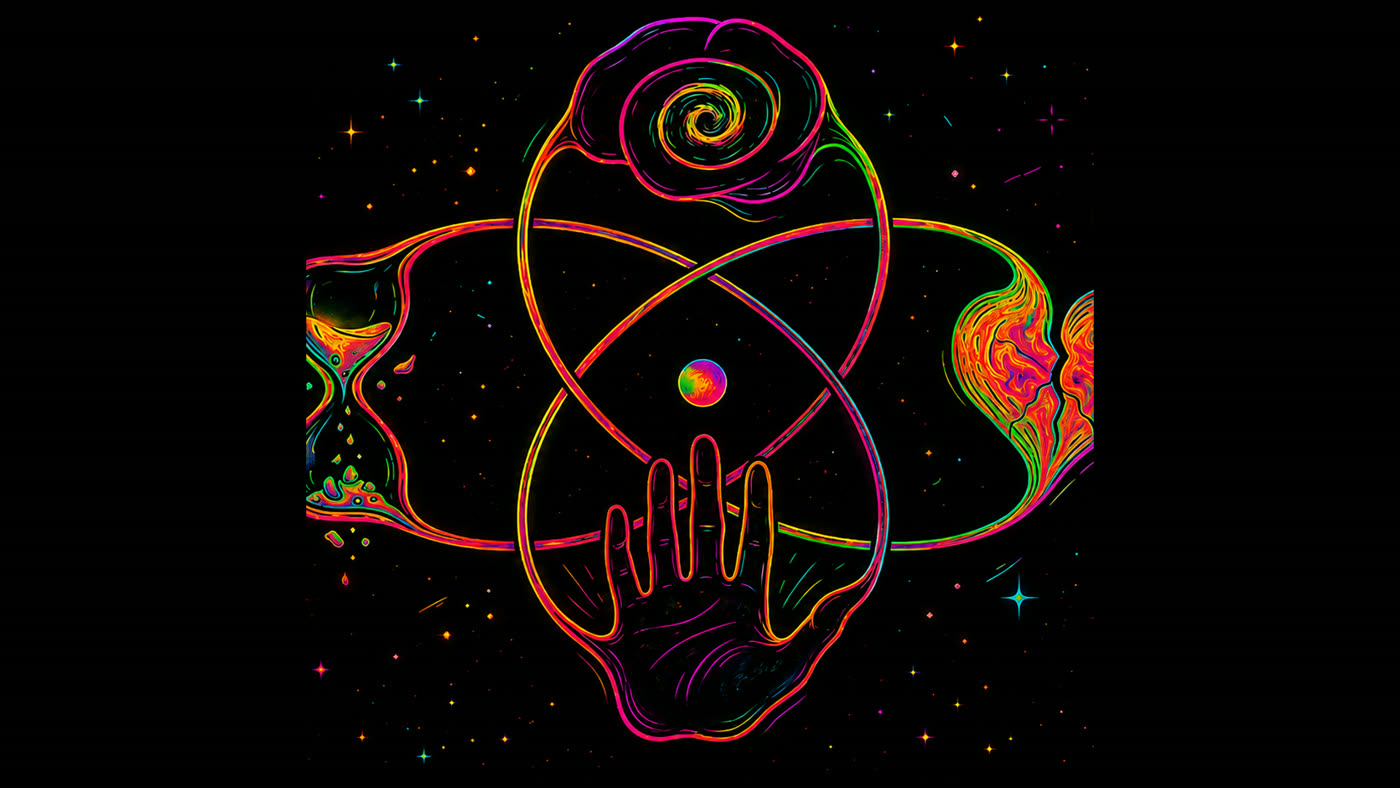
A finished exported frame: the lyric line rendered in white
                over the album artwork.
What comes out. A frame from a finished export. The preview you work against and the file you ship are the same composition, so nothing moves between the two.

Pick the type

Any font installed on your computer, at any of the standard sizes — applied to one line or to every line at once.
A lyric line rendered in Arial Bold at the Medium size over
                  the album artwork.
Arial Bold, MediumWhat the free plan uses.
The same lyric line rendered in Georgia Bold at the Large
                  size, noticeably bigger and with serifs.
Georgia Bold, LargeThe same line, restyled.
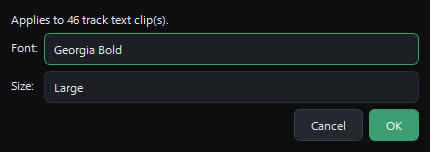
Nyvo's text style dialog, with a font list set to Georgia Bold
                and a size list set to Large, applying to 46 clips.
Two controls, applied across every line on the track at once. Choosing a font is part of the Base plan.

Artwork that isn’t 16:9

Album art is usually square. Choose how it meets the frame, per clip.
Square artwork centred in a 16:9 frame with black bars at
                  each side.
FitThe whole picture, bars at the edges.
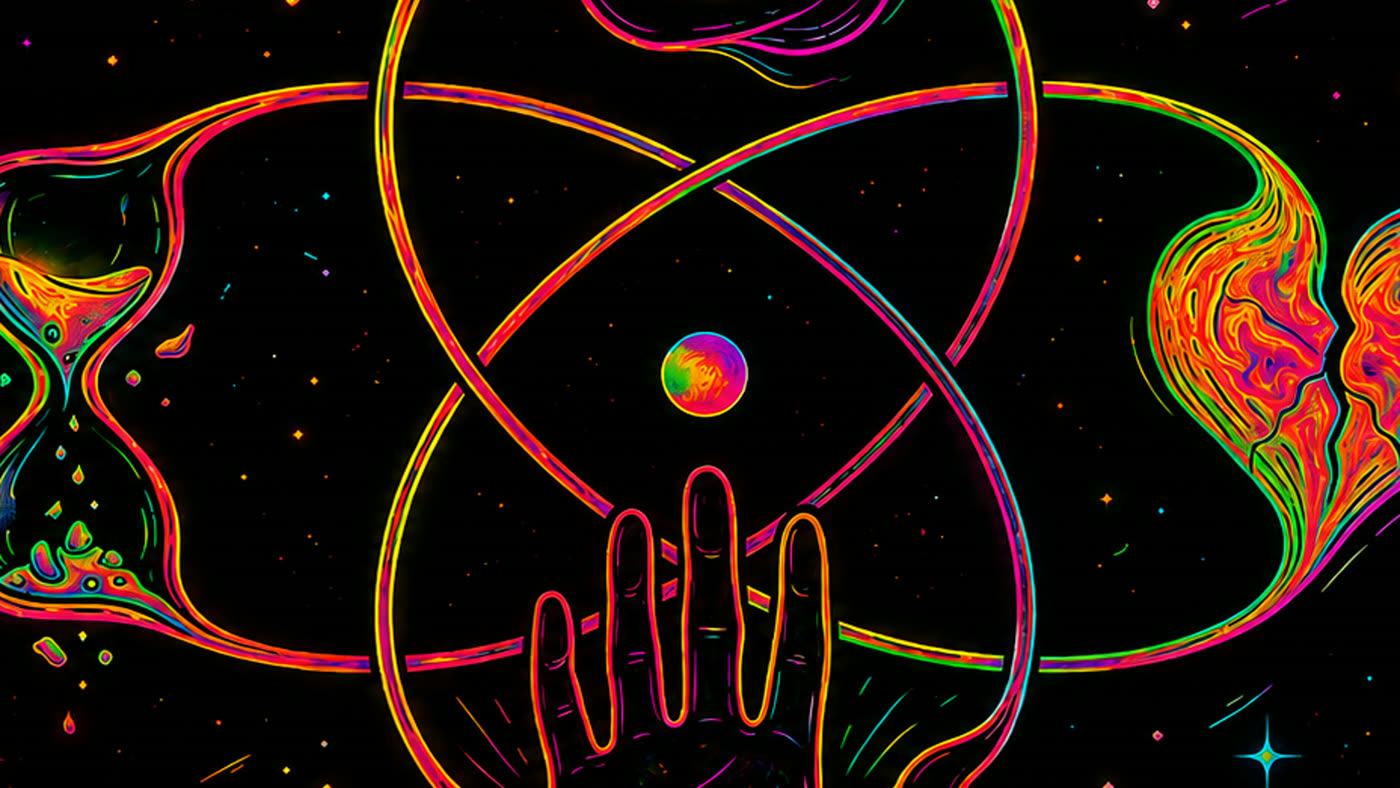
Square artwork scaled up to fill the 16:9 frame, cropped
                  equally at top and bottom.
FillFills the frame, trimmed evenly.
Square artwork stretched horizontally to the 16:9 frame.
StretchTakes the frame’s shape exactly.
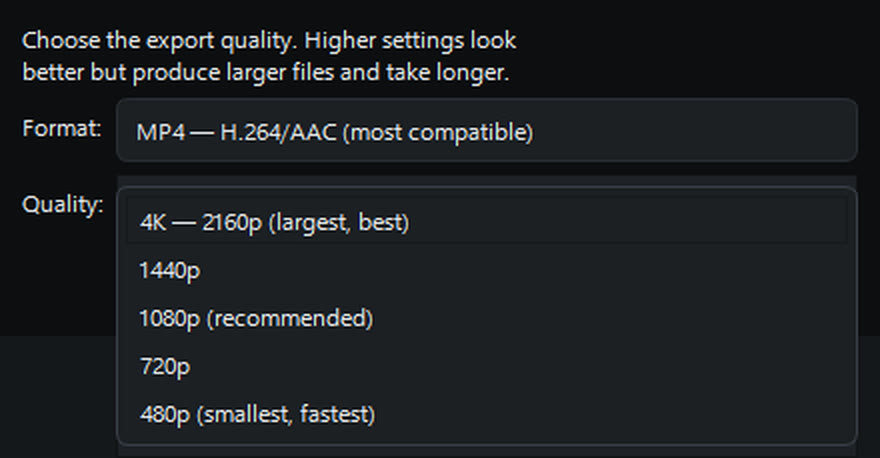
The export dialog with its quality list open, showing 4K 2160p,
                1440p, 1080p, 720p and 480p, above a format set to MP4 with
                H.264 and AAC.
Export when you’re ready. Five sizes from 480p to 4K, written as MP4 with H.264 for compatibility or WebM with VP9 and Opus to stay royalty-free. 1440p and 4K are part of the Base plan.

Screenshots show Nyvo on Windows. Artwork and song are the author’s own.

Pricing

Free

$0

  • No time limit
  • Automatic lyric transcription
  • Full timeline and live preview
  • MP4 and WebM export
  • Exports up to 1080p
  • Exports carry a watermark
  • Default font only

Base — Monthly

$7.99/month

  • Everything in Free
  • 1440p and 4K export
  • No watermark on exports
  • Choose any font on your system
  • Use on up to three computers
  • Cancel any time
Available at launch

Base — Yearly

$79.99/year

Two months free — works out at $6.67 a month

  • Everything in Base
  • Billed once a year
  • Use on up to three computers
  • Cancel any time
Available at launch

Nyvo does not license the music you use. You are responsible for holding the rights to any song, recording, or lyrics you put into a video.